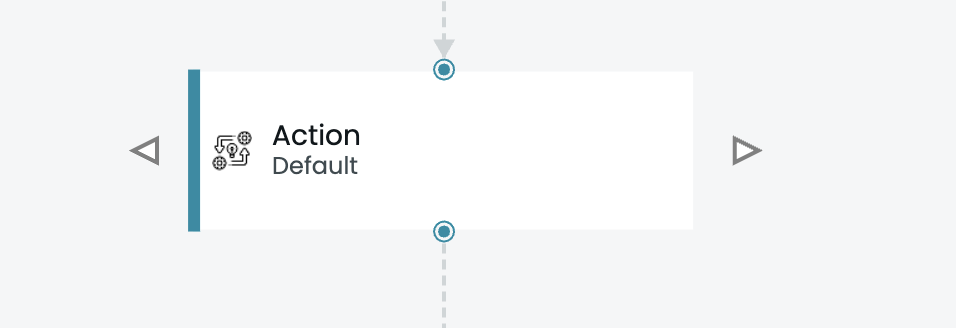
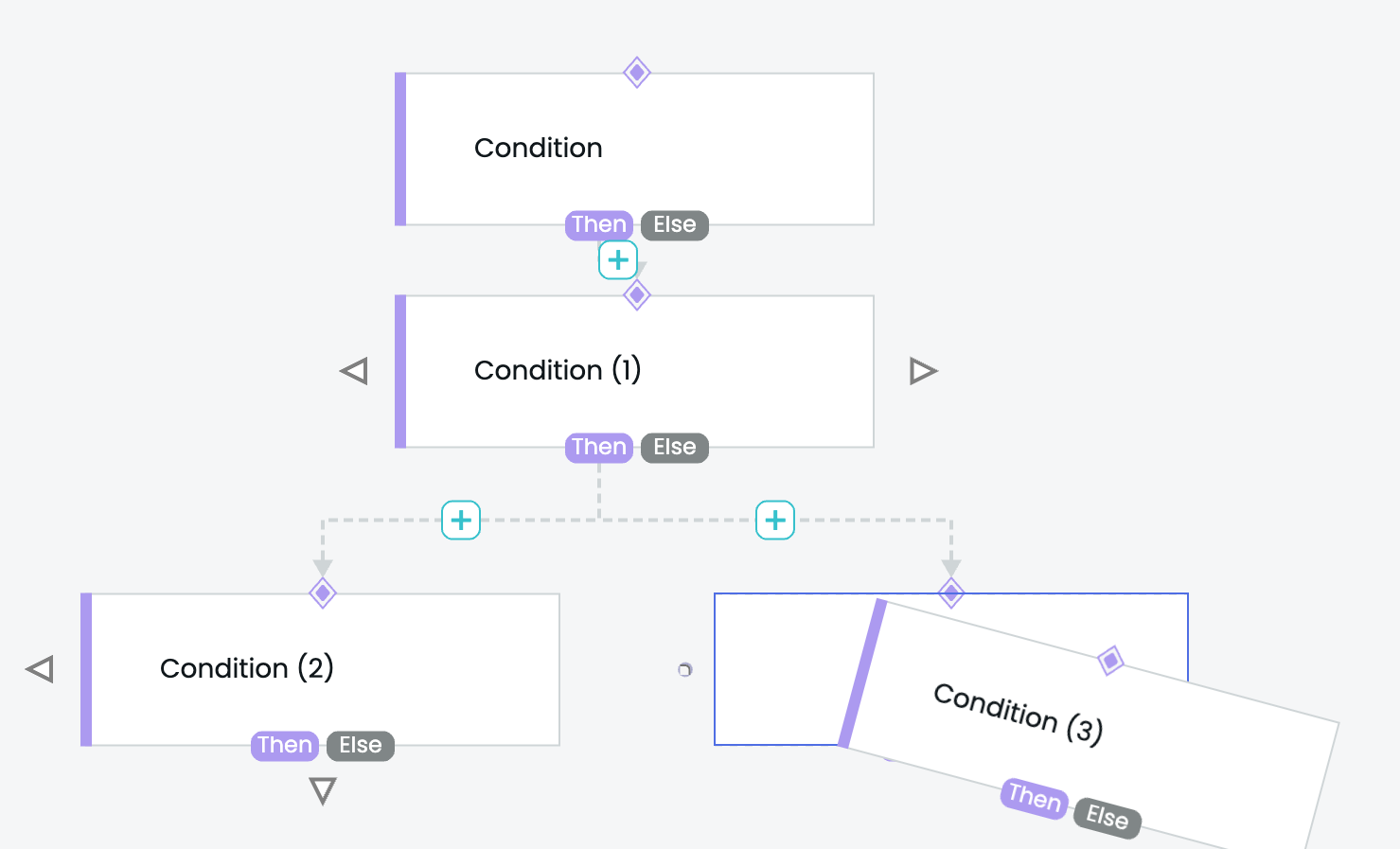
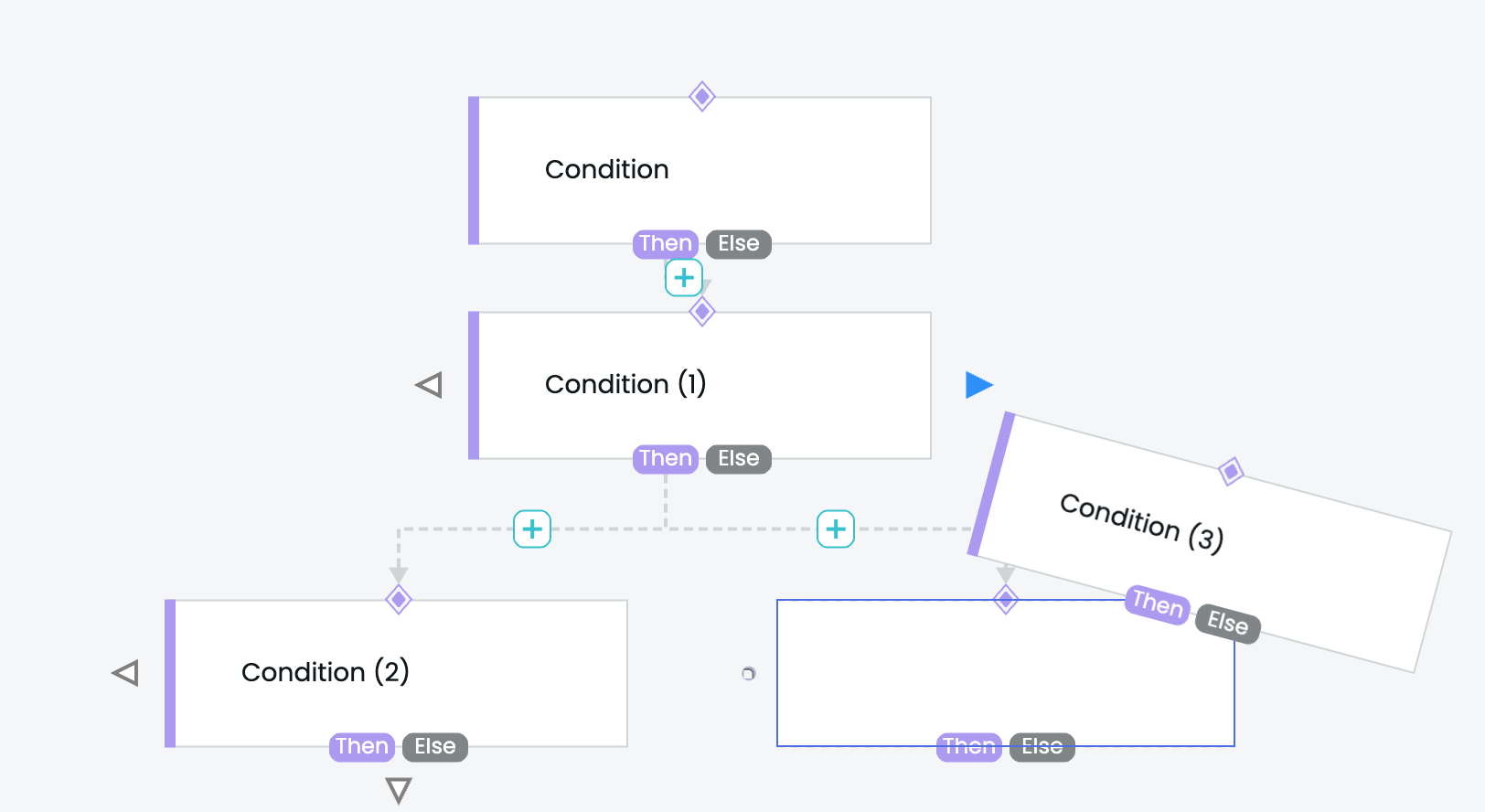
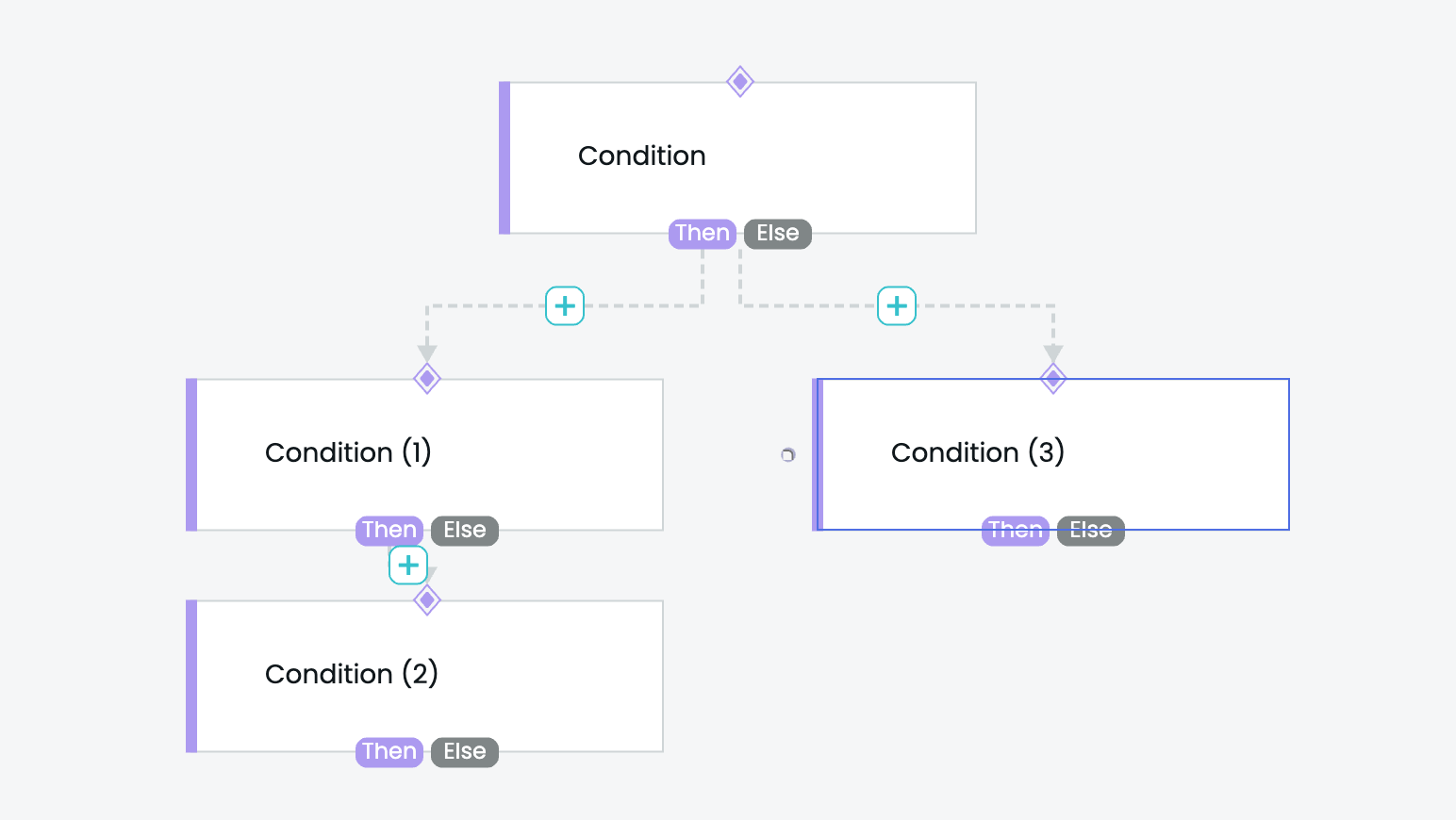
I think this sample demonstrates what you are asking for.
Note that the details of the Node and Link templates don’t matter at all, although I did add a mouseDrop event handler to the Node template to handle the case when the user drops onto the Node instead of onto the “Drop” Adornment.
<!DOCTYPE html>
<html>
<head>
  <title>Minimal GoJS Sample</title>
  <!-- Copyright 1998-2025 by Northwoods Software Corporation. -->
</head>
<body>
  <div id="myDiagramDiv" style="border: solid 1px black; width:100%; height:600px"></div>
  <textarea id="mySavedModel" style="width:100%;height:250px"></textarea>

  <script src="https://cdn.jsdelivr.net/npm/gojs/release/go-debug.js"></script>
  <script id="code">
class CustomDraggingTool extends go.DraggingTool {
  constructor(init) {
    super();
    if (init) Object.assign(this, init);
  }

  doActivate() {
    super.doActivate();
    const primary = this.diagram.selection.first();
    if (primary instanceof go.Node) {
      this.diagram.nodes.each(n => {
        if (n === primary || n.isTreeRoot ||
            (this.draggedParts && this.draggedParts.has(n)) ||
            (this.copiedParts && this.copiedParts.has(n))) return;
        const ad = DropAdornmentTemplate.copy();
        ad.adornedObject = n;
        n.addAdornment("Drop", ad);
      });
    }
  }

  // also invoke mouseDrag... and mouseDrop event handlers on Adornments;
  // normally this ignores all temporary Parts
  findDragOverObject(pt) {
    return this.diagram.findObjectAt(pt, null,
      o => !(this.draggedParts && this.draggedParts.has(o.part)) &&
           !(this.copiedParts && this.copiedParts.has(o.part))
    );
  }

  doDeactivate() {
    this.diagram.nodes.each(n => n.removeAdornment("Drop"));
    super.doDeactivate();
  }
}

const myDiagram =
  new go.Diagram("myDiagramDiv", {
      layout: new go.TreeLayout({
          angle: 90,
          arrangement: go.TreeArrangement.Horizontal,
          sorting: go.TreeSorting.Ascending,
          comparer: (va, vb) => {
            const da = va.node.data;
            const db = vb.node.data;
            return da.index - db.index;
          }
        }),
      draggingTool: new CustomDraggingTool({ dragsTree: true }),
      // disallow drop onto the diagram background
      mouseDrop: e => e.diagram.currentTool.doCancel(),
      "undoManager.isEnabled": true,
      "ModelChanged": e => {     // just for demonstration purposes,
        if (e.isTransactionFinished) {  // show the model data in the page's TextArea
          document.getElementById("mySavedModel").textContent = e.model.toJson();
        }
      }
    });

// the details of the node template really don't matter
myDiagram.nodeTemplate =
  new go.Node("Auto", {
      // what does it mean to drop a node onto a node?
      mouseDrop: (e, node) => {
        if (node.isTreeRoot) {  // disallow drop onto a root node
          e.diagram.currentTool.doCancel();
        } else {
          dropOnto(node, true);
        }
      }
    })
    .add(
      new go.Shape({ fill: "white" })
        .bind("fill", "color"),
      new go.TextBlock({ margin: 8 })
        .bind("text"),
      new go.TextBlock({ font: "8pt sans-serif", alignment: go.Spot.BottomRight, margin: 1 })
        .bind("text", "index")
    );

// this must be a template because there will be many copies, one per node
const DropAdornmentTemplate =
  new go.Adornment("Spot")
    .add(
      new go.Placeholder(),
      new go.Shape("TriangleLeft", {
          alignment: go.Spot.Left, alignmentFocus: new go.Spot(1, 0.5, 1, 0),
          width: 12, height: 18,
          fill: "orange", strokeWidth: 0,
          mouseDragEnter: (e, button) => button.fill = "green",
          mouseDragLeave: (e, button) => button.fill = "orange",
          mouseDrop: (e, button) => dropOnto(button.part.adornedPart, false)
        }),
      new go.Shape("TriangleRight", {
          alignment: go.Spot.Right, alignmentFocus: new go.Spot(0, 0.5, -1, 0),
          width: 12, height: 18,
          fill: "orange", strokeWidth: 0,
          mouseDragEnter: (e, button) => button.fill = "green",
          mouseDragLeave: (e, button) => button.fill = "orange",
          mouseDrop: (e, button) => dropOnto(button.part.adornedPart, true)
        })
    ).copyTemplate(false);

// each selected Node will become a sibling of the ONTO node,
// either just before or just after ONTO in its list of siblings
function dropOnto(onto, after) {
  if (!onto || onto.isSelected) return;
  const diagram = onto.diagram;
  const parent = onto.findTreeParentNode();  // might be null
  diagram.commit(() => {
    diagram.selection.each(part => {
      if (part instanceof go.Node) {
        const parentlink = part.findTreeParentLink();
        if (parentlink !== null) {  // remove from any parent
          parentlink.diagram.remove(parentlink);
        }
        if (parent !== null) {  // add to new parent and assign temporary index
          // this assumes the model is a TreeModel (otherwise add a link data object to GraphLinksModel)
          diagram.model.setParentKeyForNodeData(part.data, parent.key);
          diagram.model.set(part.data, "index", onto.data.index + (after ? 0.5 : -0.5));
        }
      }
    });
    if (parent !== null) {  // sort the children and assign permanent index values
      const children = new go.List(parent.findTreeChildrenNodes());
      children.sort((a, b) => a.data.index - b.data.index);
      let i = 0;
      children.each(c => diagram.model.set(c.data, "index", i++));
    }
    // now the TreeLayout will sort each parent's children properly, based on the data.index value
  });
}

function makeTree(level, count, max, maxChildren, nodeDataArray, parentdata) {
  var numchildren = Math.max(2, Math.floor(Math.random() * maxChildren));
  for (var i = 0; i < numchildren; i++) {
    if (count >= max) return count;
    count++;
    var childdata = { key: count, category: "Simple", text: `Node ${count}`, parent: parentdata.key, index: i };
    nodeDataArray.push(childdata);
    if (level > 0 && Math.random() > 0.25) {
      count = makeTree(level - 1, count, max, maxChildren, nodeDataArray, childdata);
    }
  }
  return count;
}

{ // create a random tree
  const nodeDataArray = [{ key: 0, text: "Root", index: 0}];
  makeTree(3, 0, 49, 5, nodeDataArray, nodeDataArray[0]);
  myDiagram.model = new go.TreeModel(nodeDataArray);
}

  </script>
</body>
</html>