When multiple links connect from the same side of a node , they overlap or run directly on top of each other, even when using ‘AvoidNodes’ with ‘Corner’ and ‘Curviness’ values 10 and 20 respectively. There is no built-in property to space parallel links apart. Am looking for guidance or a recommended approach to automatically offset or separate these links for better readability.
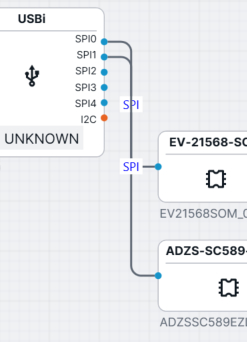
There is no built-in feature for Link Routes to avoid other Link Routes.
You could try overriding Route.GetEndSegmentLength and/or ComputeCurviness to return different values for each of the port elements that have any Links connected with them. The Dynamic Ports sample does that, although its implementation details are probably quite different from what you have and need.
I also want to avoid a small ‘S’ curve which I get in short links, instead they could be a straight line. It’s causing a cluttered look when we have huge number of closely knit connections. Do I have to switch routings for such links to ‘Normal’ ? If yes then how to calculate the link length?
Is this when there are many ports on a side of a node, or is there just one big port with a “…Side” Spot and there are a lot of link connecting with it?
Which version of GoJS are you using?
This is when I have multiple ports on one-side of node connecting to multiple ports on another side of node one to one. I am using Goxam for WPF. You can see in the image below even 1-1 point connection as a small curve even when they are close
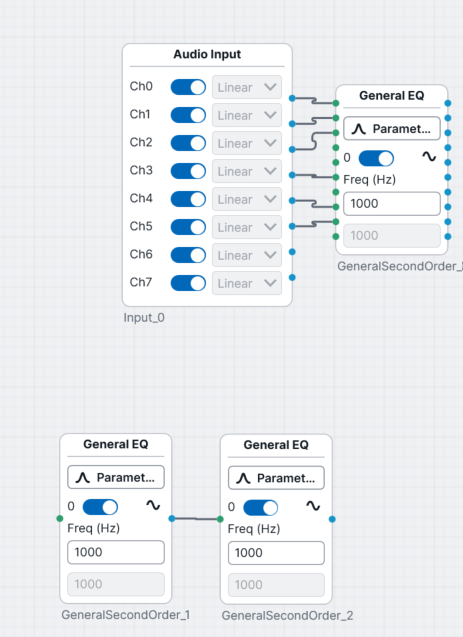
You could try a smaller value for FromEndSegmentLength and ToEndSegmentLength
Thanks that helped to an extent