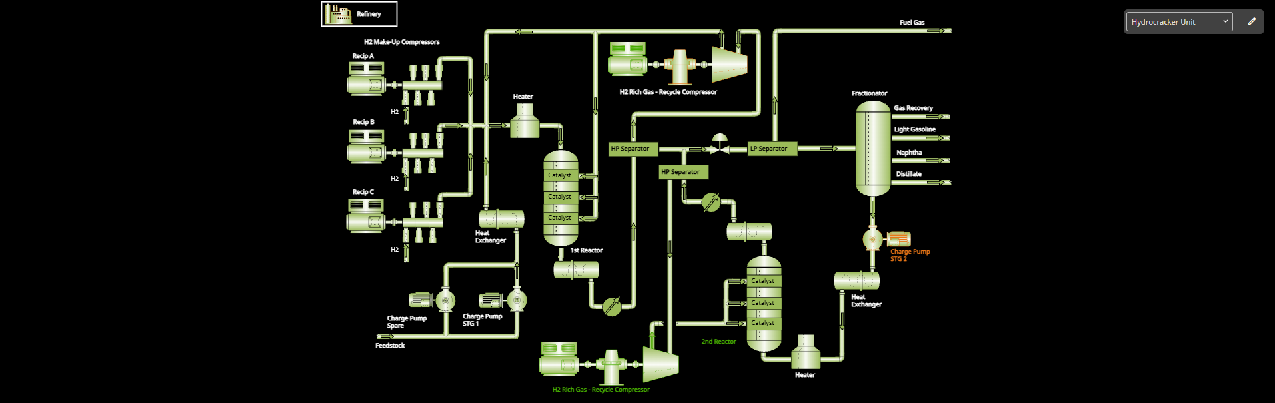
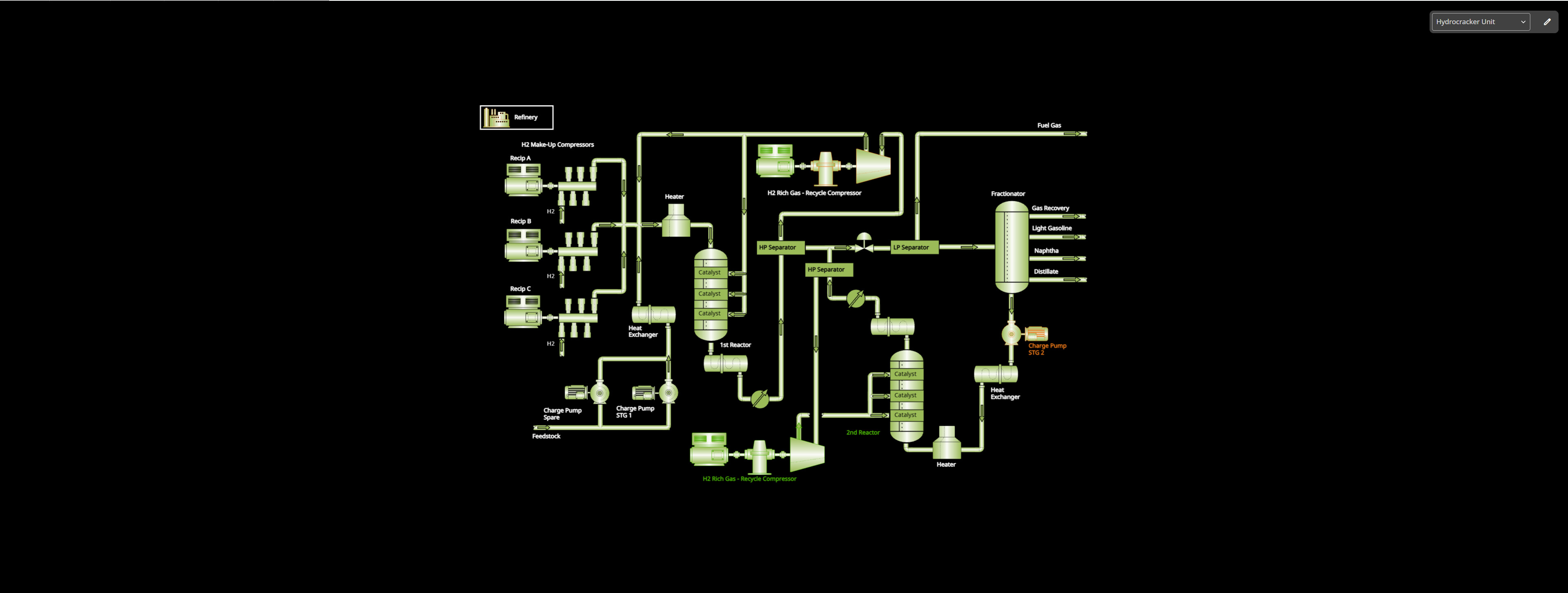
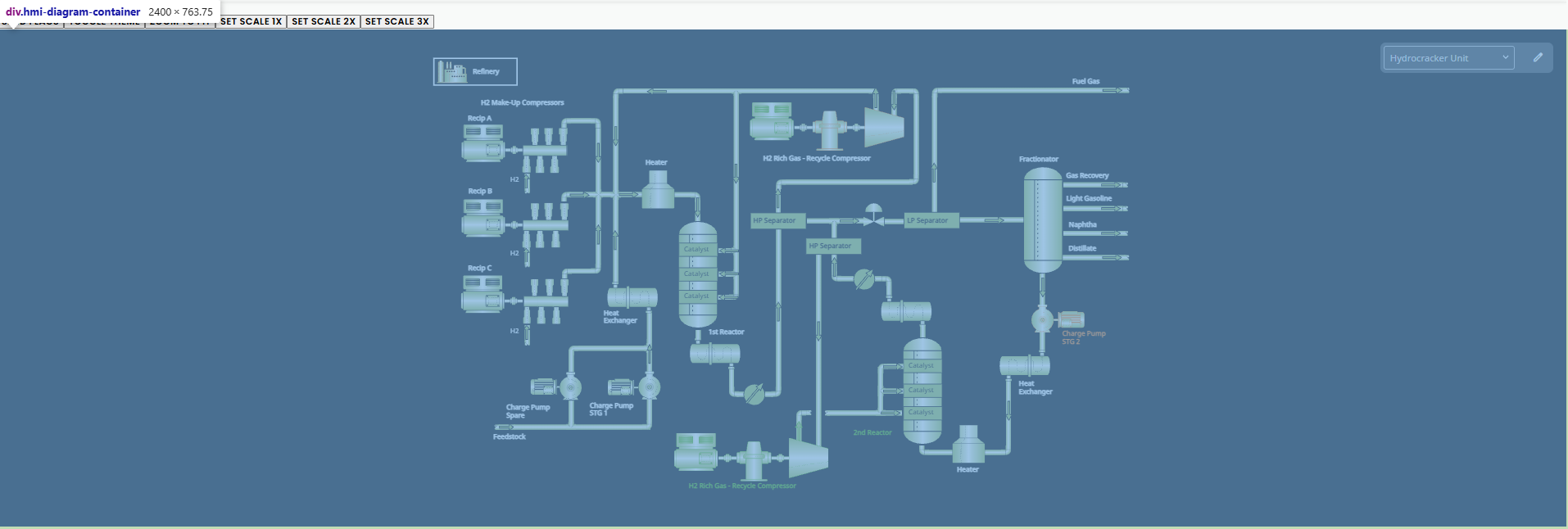
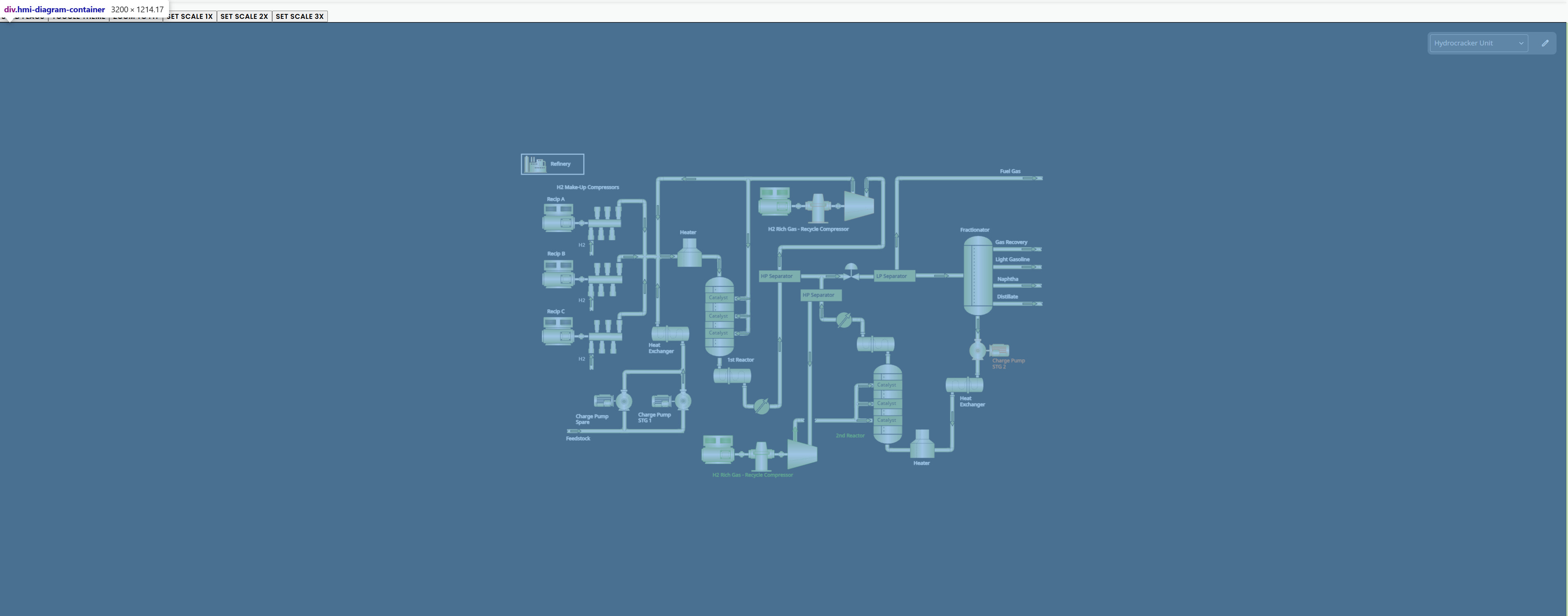
We are on gojs 3.1.0. When we look at diagrams on a normal screen the diagram does take up the full space on the canvas. However, when the same diagram is loaded on a larger 4k screen or large iMac screens, the same diagram doesn’t fill the entire canvas space. Is there a setting in gojs that allows us to take up the full screen despite the aspect ratio and window size? Below, I’ve pasted screenshots of the two views and the diagram settings for our gojs diagram.
no, we have the diagram height as a percentage. The full application has a height of 100vh so the canvas has a flexible height to take up the remaining height depending on the height of the user device. I tried to change the css to have a set height, and it does look like it takes up the full space until the height becomes something large. I tested it out at 1400px height and it still did not take up the full space.
That’s OK – I’m still interested in knowing what the actual pixel width and height are of the diagram’s Div element in both cases.
Note that zoomToFit (or the automated behavior caused by Diagram.autoScale or initialAutoScale) will not increase the scale larger than the Diagram.defaultScale, which defaults to 1.0. That prevents small diagram documents from being zoomed into unnaturally large if zoom-to-fit is called.
I think this is what you’re asking for. No, both the heights vary depending on the screen. We do have a diagram event listener that watches the document bounds and calls zoom to fit. To your point, what is “unnaturally large”? Are we able to adjust those settings?
dia.addDiagramListener('DocumentBoundsChanged', (e: go.DiagramEvent) => {

  // if the context menu is not open, then call zoom to fit
  const currentTool = this.hmiDiagramComponent?.diagram.currentTool;
   if (!(currentTool instanceof ContextMenuZoomTool)) {
    dia.zoomToFit()
   }

});