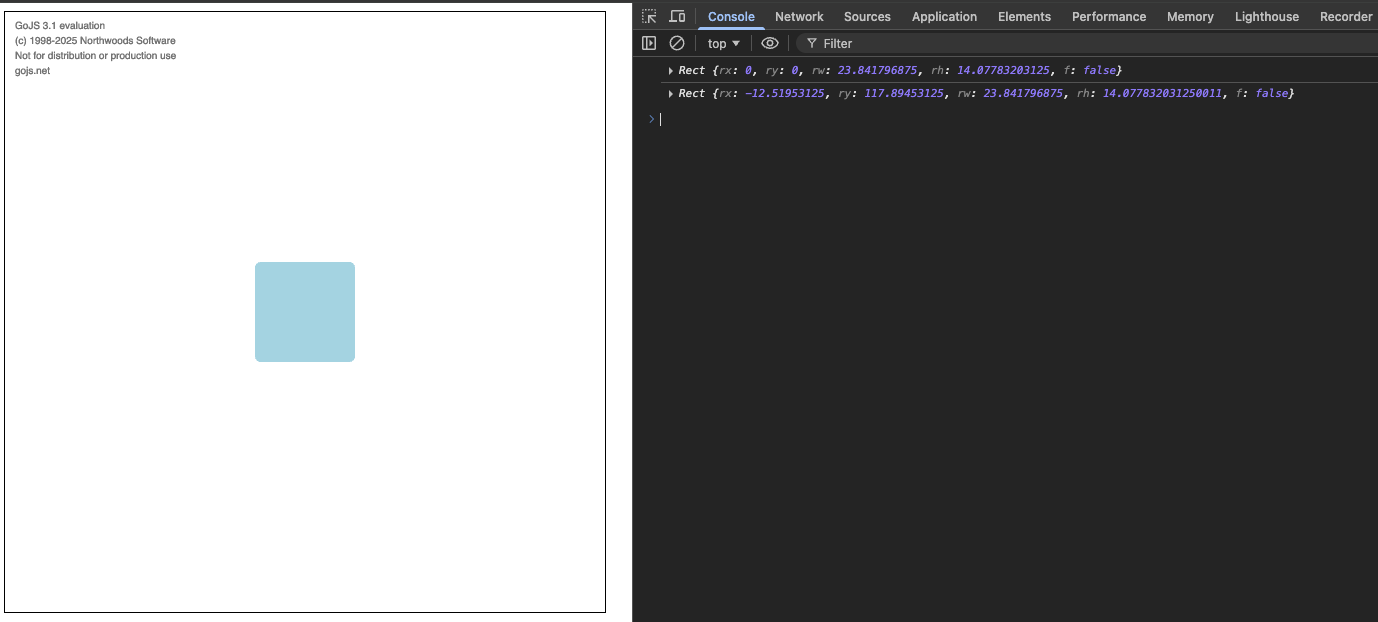
I have a problem with the TextEditingTool that is scrolling to an invisible TextBlock (it jumps to a completely different place on the diagram). It looks like because it is invisible the first getDocumentBounds produces a Rect with {x: 0, y: 0}. But then the second call has correct x and y. I wouldn’t expect a getter to have side effects and modify its returned value just because it was called. Please confirm whether I’m not mistaken and getDocumentBounds has to be called twice to ensure correct result for invisible GraphObjects (getDocumentBounds isn’t idempotent).
In the example you can see that two consecutive getDocumentBounds calls produce different results:
The reason that Panel.findObject isn’t working is because you have set the Panel.itemTemplate. Normally then setting the Panel.itemArray property either directly or via binding will cause all elements to be removed (except for the main element of some panel types such as “Spot”). So under normal usage, that TextBlock named “TextBlock” would immediately disappear from the Node. But you haven’t added a binding on the Panel.itemArray property, so that doesn’t happen. I think it’s an obscure bug that the internal mapping of names to elements is cleared too early, when Panel.itemTemplate is set.
I’m still looking into the apparent side-effects of calling GraphObject.getDocumentBounds.
Although it doesn’t explain the apparent non-idempotent behavior of that method call, you should realize that the bounds of a GraphObject that is not visible (or is contained by something that is not visible) really aren’t well defined.
So technically it is not a bug that you are getting different values, since the value is not defined.
Thank you for pointing this out. We have fixed this bug and it will be out with the next release, probably some time this week.
This happened because the invisible TextBlock has never been measured, and we mistakenly update some internal bookkeeping only partially when trying to get its bounds.
The thing to note is: The first value is sort-of more correct - it cannot place itself in document bounds, so its as correct as it can be. The second values are trash because the object has never really been measured. You can confirm this by setting the TextBlock to visible and then trying again, and you’ll see the Rect has different values:
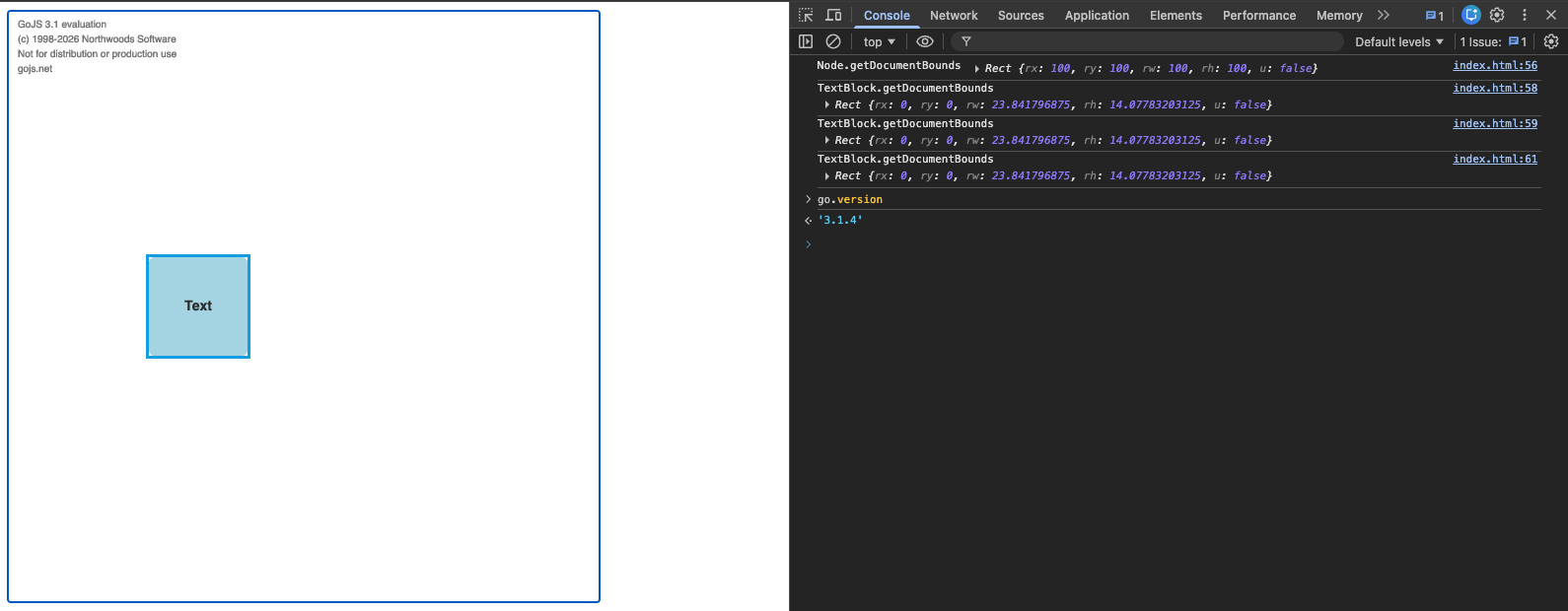
I’ve checked the new release. The getDocumentBounds method produces the same result every time I call it. But I’m confused by the results. TextBlock.getDocumentBounds returns {x: 0, y: 0} even though node’s position is {x: 100, y: 100}. I’d expect TextBlock’s coordinates to be greater than 100. Could you explain?
The problem is that I want it to be invisible until text edition starts (to avoid visual artifacts of an empty textblock). But when the text block isn’t visible the TextEditingTool positions the text input in some random location because getDocumentBounds doesn’t return actual document bounds. Even if I make it visible in a custom TextEditingTool before calling super.doActivate then super.doActivate still sees {x: 0, y: 0}. Only after I add some text and make it visible it will start returning correct coordinates. For an invisible, empty TextBlock I would even expect {width:0, height:0} but not {x:0, y: 0}.
So you have a custom TextEditingTool that is deciding where to place the text editor. Can you look at the TextBlock and check the value of calling isVisibleObject? GraphObject | GoJS API
If it’s true, then use the normal / default positioning of the text editor.
If it’s false, then compute where you want it to be based on the Panel/Part/Node that it is in.
Thanks, I’ve started using the isVisibleObject function, and I’ve implemented a fallback to position the text area in the center of the containing part if the text block isn’t visible.