We’ve been building a tool for our client using grid being displayed in the background but one of the latest upgrade to chromium based browser made the grid render not correctly. Now on the smaller zoom levels the grid breaks the lines are not align properly or disappear complety. Weird things happen. It doesn’t appear in Firefox. Can anyone notice the same problem and know how to fix it ? The first screen is from Firefox, the second from Chrome.
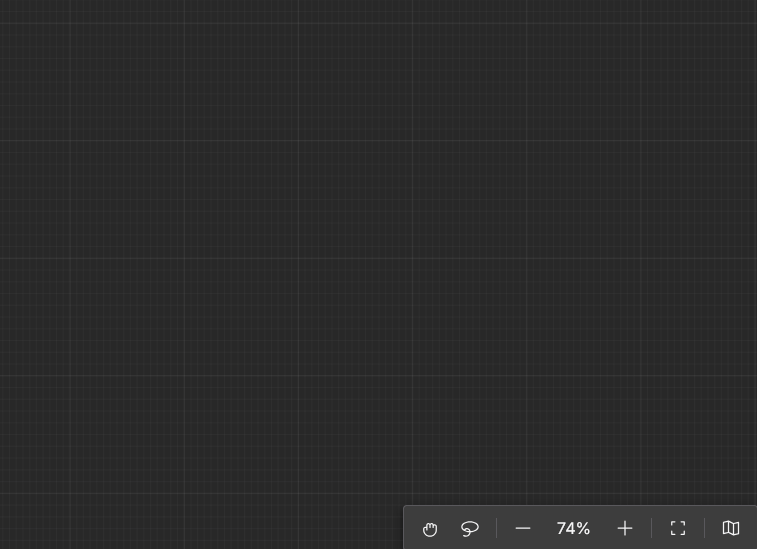
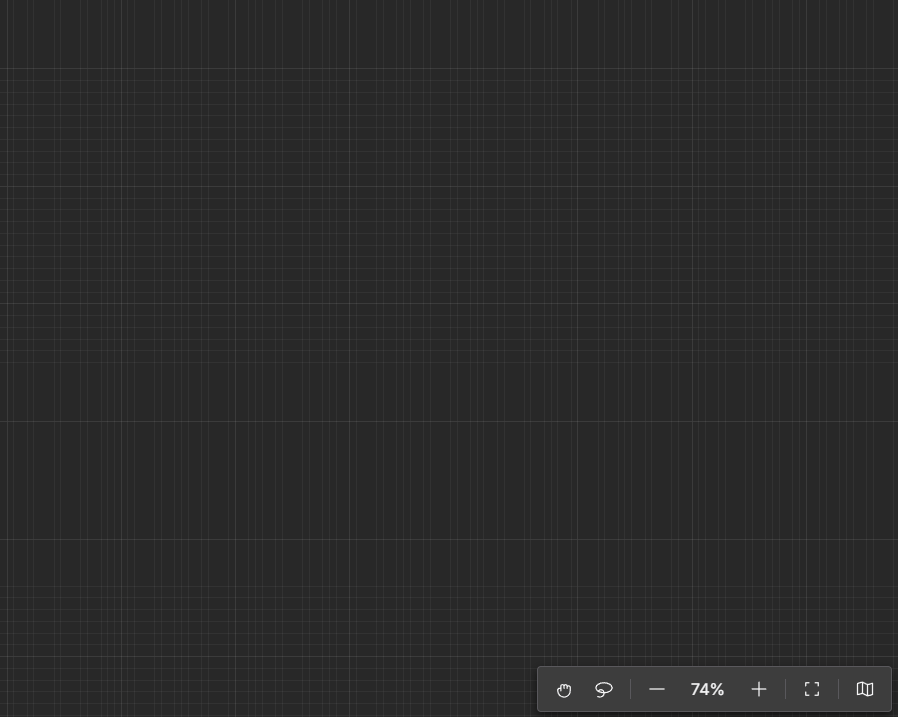
That looks like an anti-aliasing artifact. Are you saying that this drawing behavior just happened upon an update to Chrome? I’m not sure there’s much we can do about that.
Have you tried different browsers on different screens/machines/operating systems?
@walter We have just checked and the result is that on Opera (chromium based it works fine), on Brave (also chromium based) as well as Vivaldi browser it breaks. Firefox works fine. We have also checked the on MacOs / Safari and on it breaks but only on very small zooms. Different screens / monitors doesn’t matter here. So it seems very much browser oriented issue. We noticed it when the Chrome was updated to 142 version.
I don’t think there’s anything we can do. We’re certainly not going to try to check for particular versions of particular browsers, and even if we could, we wouldn’t know what we could do.
Perhaps you could increase the strokeWidth of your grid lines.