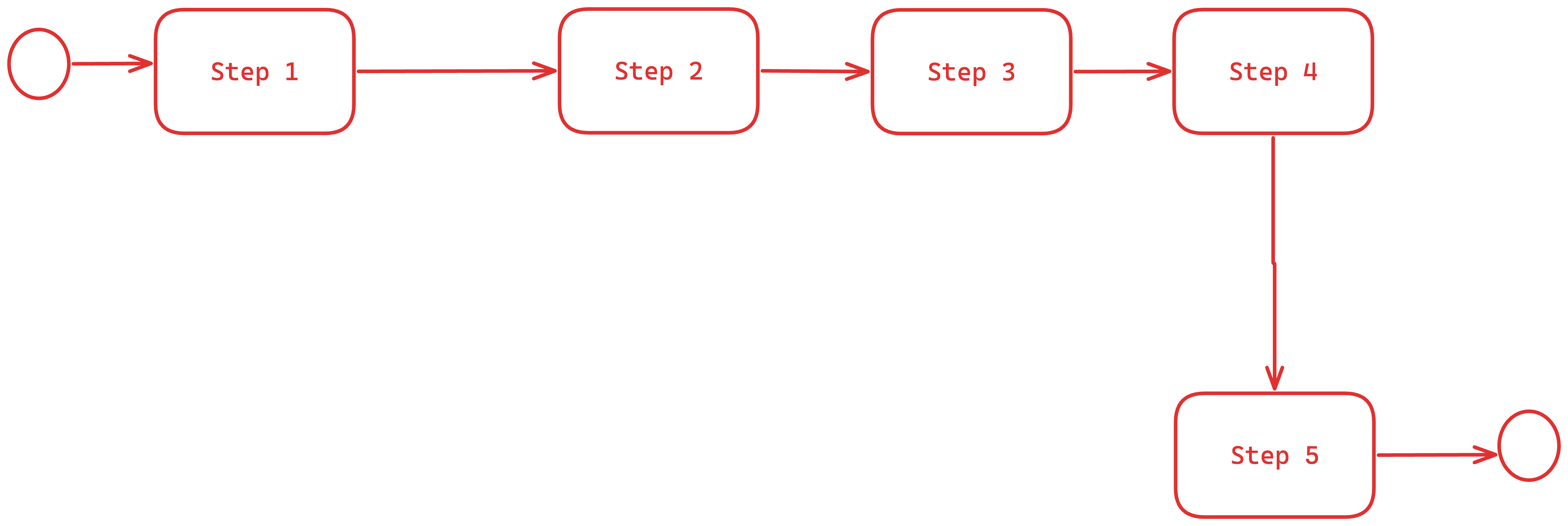
We would to implement “secondary” connections between nodes based on some criteria.
In our case criteria is following: if node is using data from another node we need to draw link between them.
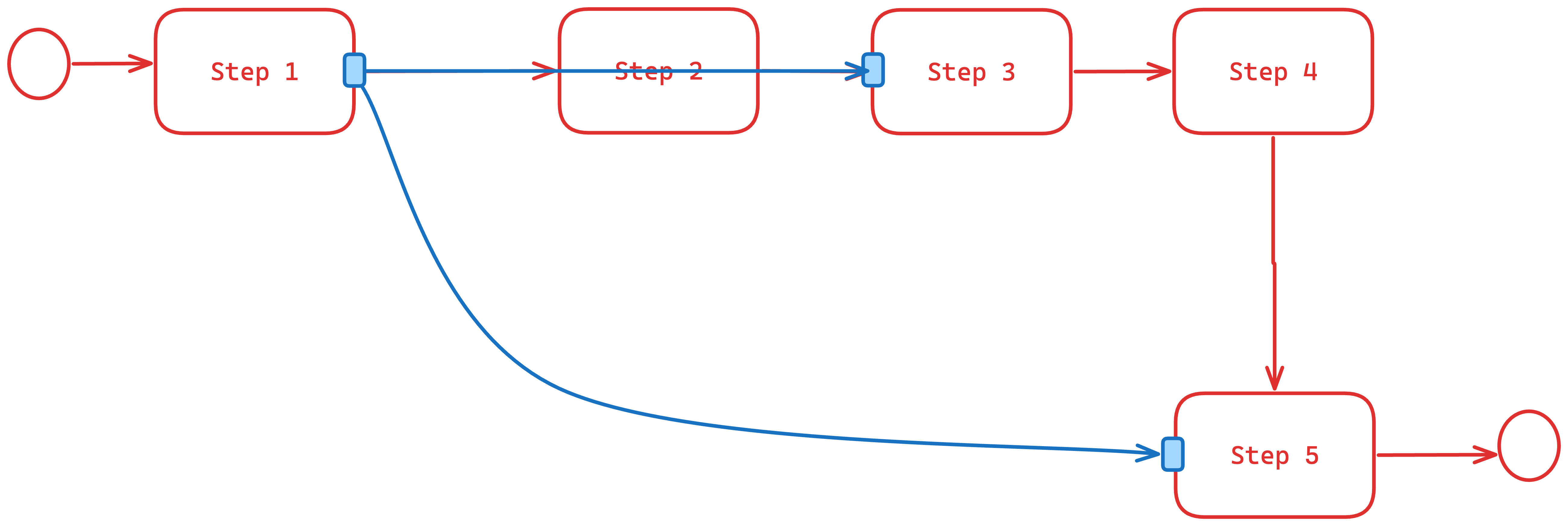
Example:
“Step 5” uses data from “Step 1”
“Step 3” uses data from “Step 1”
in this case we want to draw blue connections between those nodes.
I think it would be easier to implement those blue links as real Links. That way you can make use of all of its features without having to reimplement so much. Adornments really only apply to a single Part, and I suspect you want your extra visuals to connect two different Nodes.
Did you want those extra Links to be in the model? You know about the normal case where Links (and Nodes) are defined in the model. But you can also just add Links (or Nodes) programmatically without having them be in the model. In either case you can implement the following suggestions.
It uses real Links, but those Links are in a Layer that is Layer.isTemporary, so their addition/modification/removal are not recorded in the UndoManager. In that sample, it’s the “Grid” Layer, so that they are behind all of the Nodes and regular Links. But in your diagram it looks like you want them to be in front of the regular Nodes and Links, so you might want to put them in the “Adornment” Layer.
Those temporary Links have Link.isTreeLink set to false so that any tree-oriented functionality ignores those Links.
Furthermore they have Part.isLayoutPositioned set to false, so that their addition or removal does not invalidate the layout and does not participate in the layout. (In that sample the regular Nodes and Links are laid out by TreeLayout, but clearly those extra temporary Links do not affect the tree layout.)
That sample just shows some random relationships when you calls the showRelationships function, but presumably you have your own source of relationship data that you want to show. That sample removes all existing temporary Links and then creates new ones for what it wants to show.
Another possibility is to have those Links not be temporary but there permanently in the “Adornment” Layer, but initially not be visible. Then you could just toggle the visible property of those Links you want to show or hide.