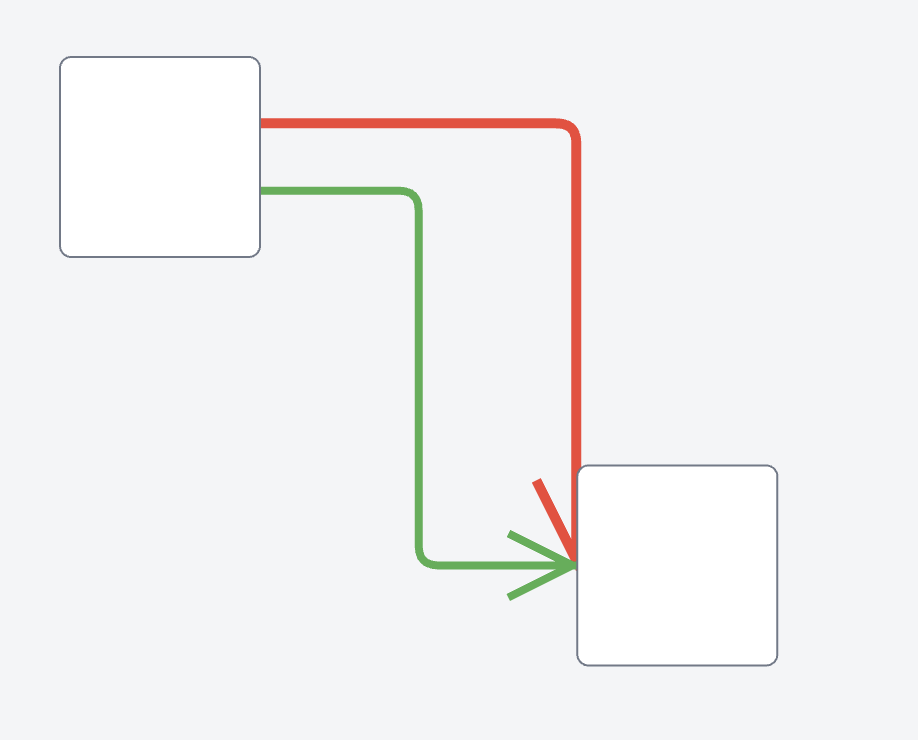
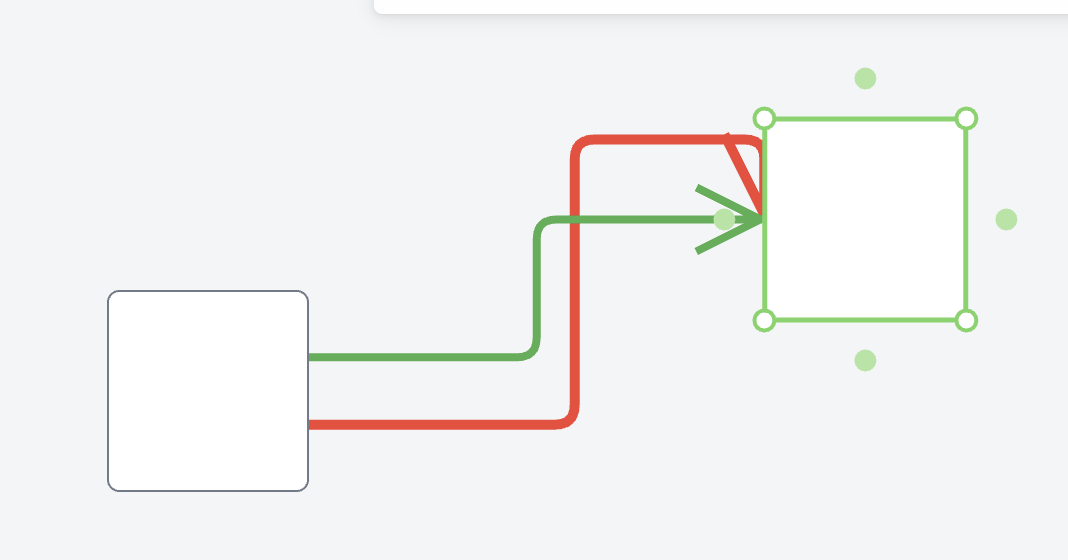
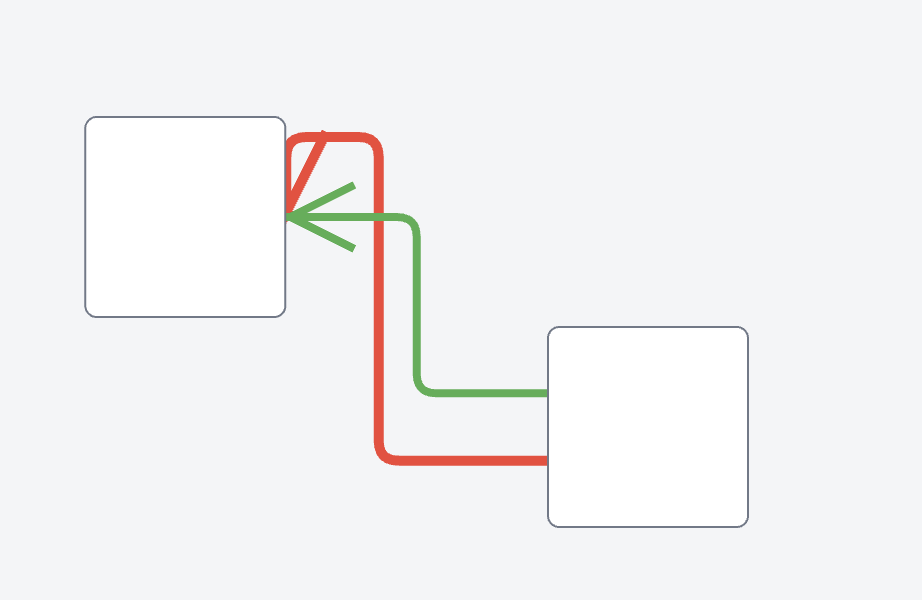
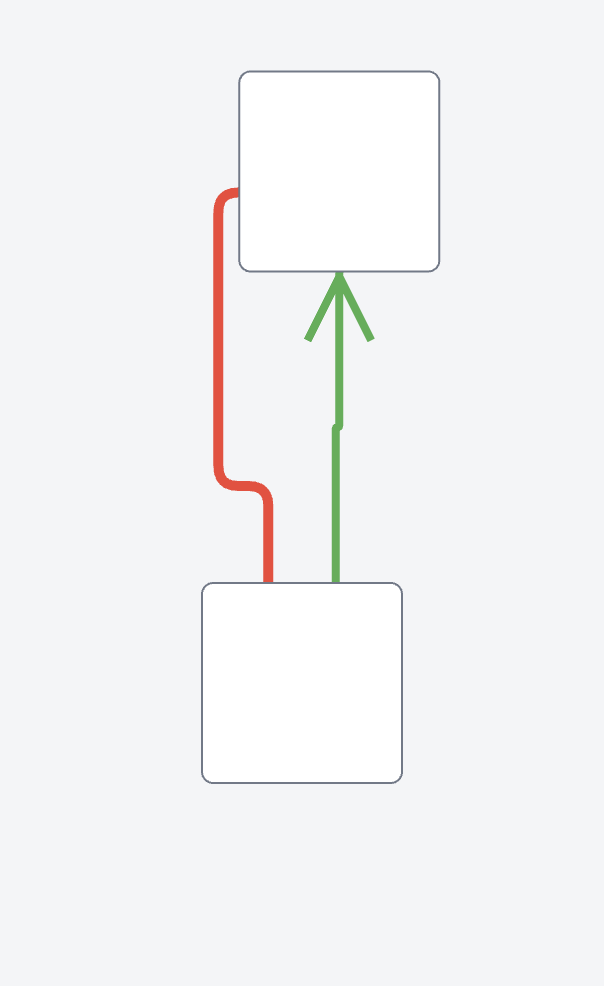
I have a problem with the red link. When I drag a node around it looks like the red arrow head is stuck in a single orientation (it always points down). The green arrow head rotates properly. What could be the issue?
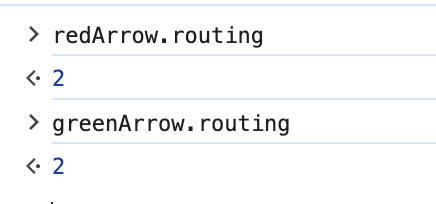
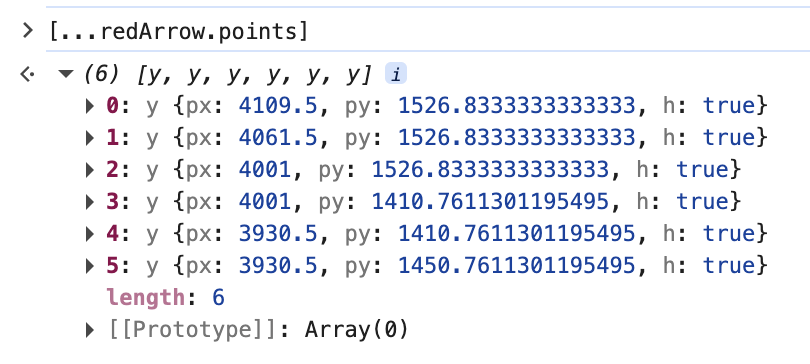
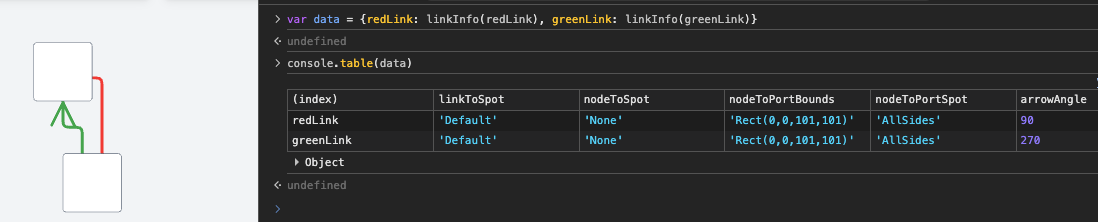
Properties comparison between the red and green links:
When you look at Spot values in the debugger, you may find it more meaningful to call toString on the value. redArrow.toSpot seems to be Spot.Default, so it would inherit the spot value from the redArrow.toPort.toSpot, which seems to be Spot.AllSides.
What is the value for the redArrow.toPort.getDocumentBounds()`? Is it a small port, or is it the big Shape of the whole Node?
If it is a small port on the left side of the node, then you really don’t want to have the fromSpot or toSpot be Spot.AllSides, but only Spot.Left or Spot.LeftSide.
The issue is that the link.data.toPort uses a port id of a port that no longer exists. Our model is configured to use it by setting the linkToPortIdProperty. When it tries to connect to a port that no longer exists the arrow head freezes.