Am trying to use the overview control to mirror the minimap functionality from devexpress. I integrate it in the xaml besides the GOXAM canvas control and set the observed property with the diagram in the loaded method. (referring documentation) This resulted in a view where my UI shows only pins and node disappears. Any examples or references that I can use?
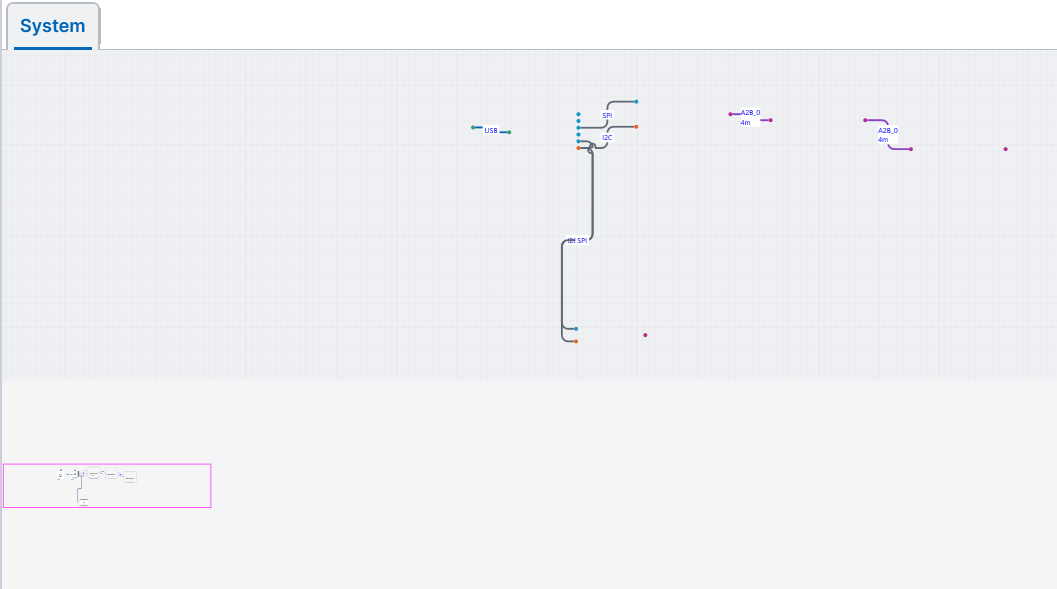
The Org Chart (Static) sample uses an Overview.
If you don’t set Overview.Observed, does the main Diagram look different?
If I don’t set Overview.Observed then nothing displays within overview control and main diagram remains fine. The moment I set Observed, it looks like overview ctrl steals the node body from main diagram leaving only pins and links. I have set in initial layout completed, tried setting it in the xaml too like it’s done in org chart. Not sure why this behavior.
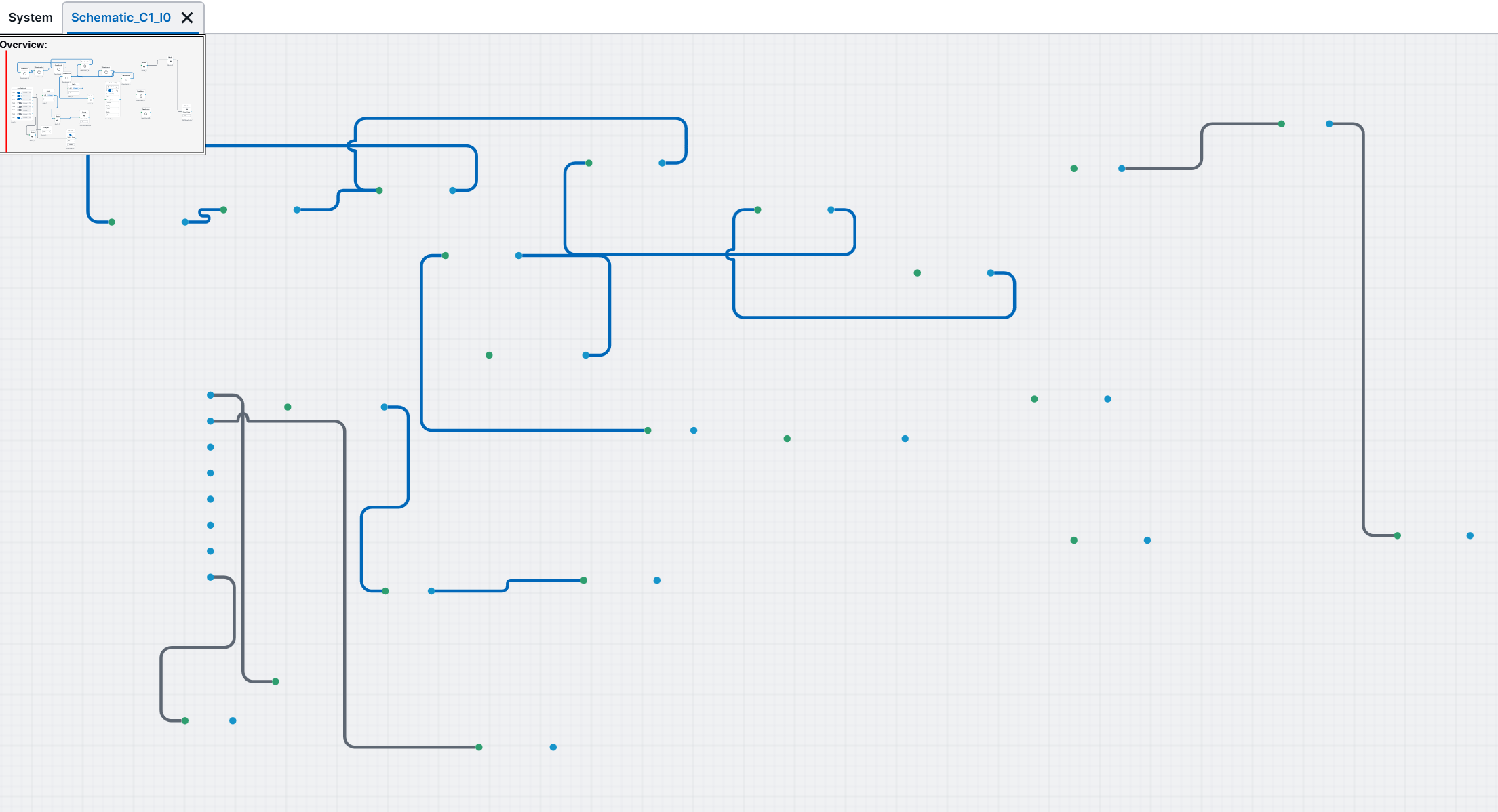
I did some troubleshooting and see that the problem is due to the content presenter which resides inside my node template. When I replace that with a simple Rectangle shape, the problem disappears. So dynamic loading content is not rendering when enabling the Overview control. I display wpf usercontrol inside this content template to render different nodes
is it possible to display overview control with such dynamic setup? “I display wpf usercontrol inside this content template to render different nodes” this is how i display various nodes
Yes, this is what I was guessing might be the problem. I actually was going to ask you to just create a second Diagram using all of the same templates and a copy of the model data, to see if both diagrams looked and acted correctly.
How is your content presenter defined? What code-behind do you have associated with it or with the content? Might that code be making assumptions about just being in one Diagram?
I bind a content control inside the ContentPresenter with the Content Property .This displays different UserControls on drag n drop on the canvas. This property bound is part of the NodeData class which is the model for the NodeTemplate. I add this model data on the node source of the graphlinksmodel to display nodes.
what do u mean by “Might that code be making assumptions about just being in one Diagram?” I have one diagram instance to which I add nodes and links.
An Overview is just another Diagram looking at all of the Observed Diagram’s data. That’s why I was suggesting that you make sure it works to have two Diagrams using the same templates, to make sure there’s no code making the assumption that there’s only one Diagram for each node data object.
Am now confused with this suggestion. So u mean I add one more diagram instance and then add overview control with it? wont that mean 2 diagrams on top of each other?
I was suggesting setting up a separate Diagram using all of the same templates just to test whether your templates and data are correctly implemented in order to support multiple Diagrams. At first the second Diagram could use a Model with a separate copy of the node data, to make sure that works OK. Then you could have the two Diagrams share the same Model and see how well that works.
I tried using a second diagram but it didnt work with same node templates, definitely the goxam integration code I have written references the first diagram in several places. Isnt that obvious, or how will even simply start and stop a transaction? How can I support 2 instances of diagram that way?Am I missing something very basic here?
Think of an Overview, which is a subclass of Diagram with some additional features, as just providing a second, read-only, view onto the Diagram.Model.
The Update Demo sample in the GoWpfDemo app shows two modifiable diagrams showing the same shared model.
Regarding references to Diagrams, is your code being called in an event handler or listener? If so, doesn’t the EventArgs argument provide a reference to the Diagram?
Yes, we do call the code in some events, example drag n drop a node on canvas is an event. I will have to check how it’s possible to get diagram reference from eventArgs. I used same style as in many examples from the GoWpfDemo app where we reference the diagram x:name directly and perform operations. Since am at end of integration this worries me as it looks like I will have to change in many places, but if we have to, I will take it up. So at the end we should not reference the diagram directly at all in code behind you mean?
That’s correct, except of course when initializing the Diagram and when referring to it from other controls’ code, such as button click handlers or setting the Overview.Observed.