Ports drift away from node body when resizing nodes

When resizing a node, the node body and its ports do not resize together.
As the node is resized, the ports move away from the node body, so they no longer stay aligned with the edges of the node. The ResizeElementName is the first child element which has the height and width set, same is the SelectionElementName. Here is a part of my node template which is wrapped in a SpotPanel


I do take care of aspect ratio in the DoResize method of ResizingTool. Could you give some idea as to whats the problem here? Goxam issues

I’ll assume you want to do something like the Nodes in the Dynamic Ports sample of GoWpfDemo, but perhaps without the ability to dynamically add and remove ports. And perhaps not having ports on all four sides.

So I added these attributes to the main element of the Node Template, which is a Grid:

            go:Part.Resizable="True" go:Part.ResizeElementName="myShape"

And I changed the “myShape” element to be as follows:

        <Border x:Name="myShape" Grid.Column="1" Grid.Row="1">
          <Grid>
            <Rectangle
                       Fill="LightGray" Stroke="Black" StrokeThickness="1"
                       HorizontalAlignment="Stretch" VerticalAlignment="Stretch"
                       MinWidth="50" MinHeight="50" />
            <TextBlock
                       Text="{Binding Path=Data.Text, Mode=TwoWay}"
                       TextWrapping="Wrap" go:Part.TextEditable="True"
                       MaxWidth="150" Margin="4"
                       HorizontalAlignment="Center" VerticalAlignment="Center" />
          </Grid>
        </Border>

Then I was able to resize each node satisfactorily, because the ports are held by elements in Grid cells adjacent to the middle (body) element that is resized.
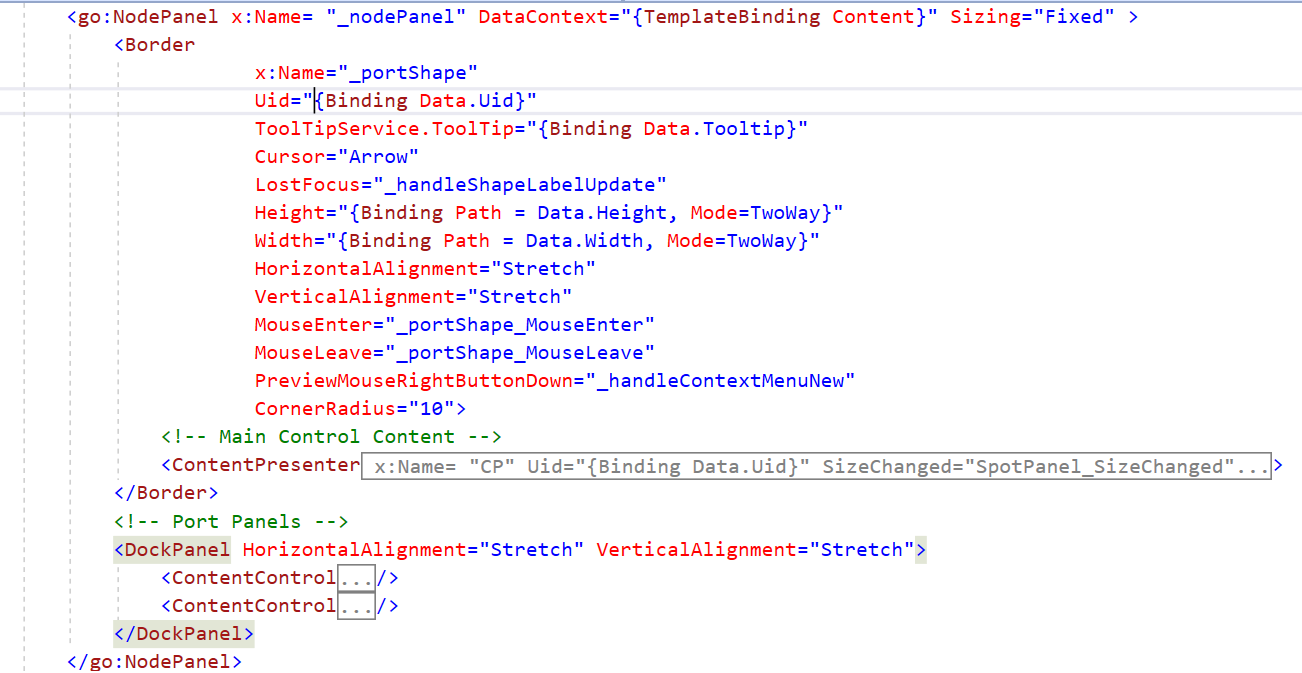
My issue solved with the reply you gave here Proportionally resizing the node - GoXam - Northwoods Software setting the reshape = false in ComputeResize. I also refactored my node template as per your reply