Showing context menu using the keyboard

Hi all,

I am defining:

export const eventElement = (templateVersion: templateType)

const contextMenuHelper = new ContextMenuHelper();

	return goMake(
		go.Node,
		goObjectTypes.Vertical,
		{
			locationSpot: new go.Spot(0, 0, 16, 16),
			selectionAdorned: false,
			resizable: false,
			...
			...
			goMake(
				go.Panel,
				goObjectTypes.Spot,
				{
				...
				...
				contextMenu: goMake(
							'ContextMenu',
							new go.Binding('visible', '', (data) => {
								return !data.group && elementsCategoryComparator.isEndNode(data);
							}),
							go.Panel.Auto,
							{
								isShadowed: true,
								shadowColor: '#00000012',
								shadowBlur: 24,
								shadowOffset: new go.Point(0, 12),
							},

It responds properly to RClick and shows the context menu
However no response for the Keyboard “Application key / Contextmenu key”

Few things:

  1. We’ve got other elements with almost identical code, which DO respond to application key
  2. I’ve tried all kind of tricks from AI bot, such as isActionable: true & tabIndex: 0, in all kind of places
    and even added:
contextClick: (e, obj) => {
      const diagram = obj.diagram;
      if (diagram !== null) {
        diagram.commandHandler.showContextMenu(obj.part);
      }
    },

but this code wasn’t triggered at all
How can this issue be resolved?

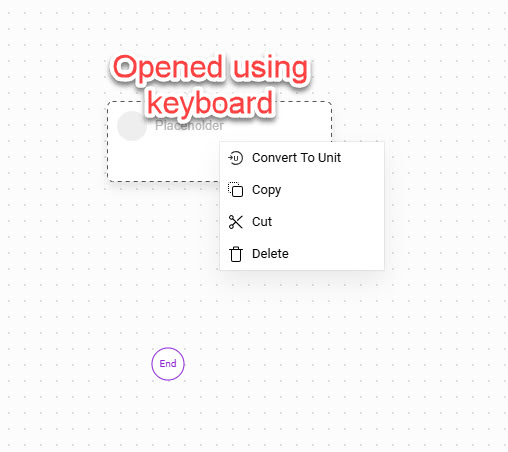
Element with working contextMenu from keyboard (Placeholder)

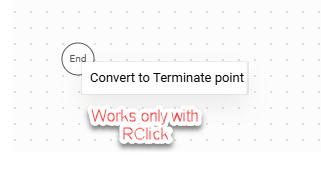
Element with contextMenu that works only from RClick

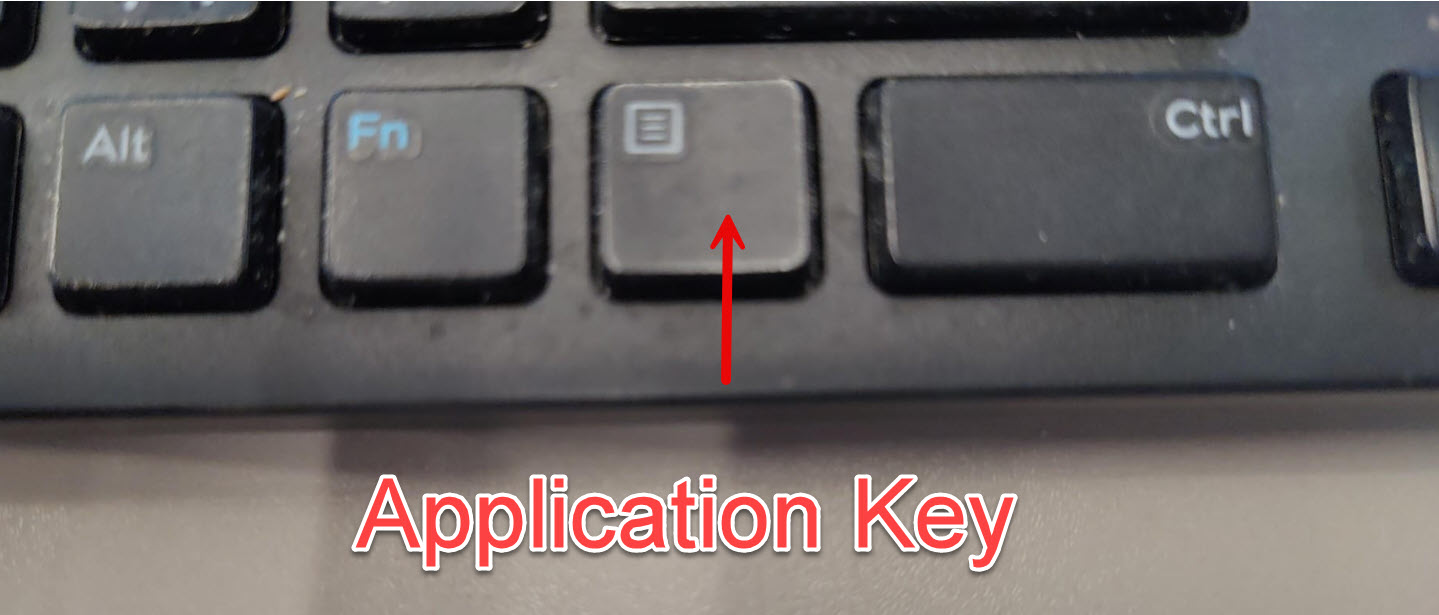
Application Key

Normally that “Application” or “Context Menu” key is bound by the CommandHandler to invoke the CommandHandler.showContextMenu command, which it calls if the CommandHandler.canShowContextMenu predicate returns true.

Both that predicate and the command don’t know what GraphObject to use to find its GraphObject.contextMenu, unless it is explicitly passed as an argument.

When invoked via the keyboard, it uses the first selected Part. So if something is selected, its Part.contextMenu if non-null is shown.

But if there’s nothing selected, it uses the mouse point to see what’s “under” that point, and it checks that GraphObject and its containing panels until it finds a GraphObject.contextMenu. (If there’s no GraphObject at that point, it uses the Diagram.contextMenu, if present.)

So I hope it is clear that the mouse-right-click context menus are always working because they always have the expected mouse point to work with to find the desired GraphObject with the context menu.

But in your case without the mouse information it needs to depend on the node being selected. If it is selected, then the command is not guessing about which GraphObject within the Node to use to find a context menu. And if nothing is selected, well, it really cannot guess at all.
Thanks,
I didn’t mention it but it IS selected.

In the 1st snapshot, which demonstrates context menu on a placeholder element, you can see beside it the the endpoint color is purple.

In the 2nd snapshot, you can see the same endpoint has a dark color (since it is selected).

Bottom line, I saw you’ve concluded: “the command is not guessing about which GraphObject within the Node to use to find a context menu”

But not sure if I’ve understood if it is solvable.
Should I verify and respond here with which GraphObject is the one being selected?

Is there a reason you can’t have the contextMenu on the Node instead of on some element within the Node?

By the way, only Parts can be selected, not any GraphObject. The Part class has the Part.isSelected property, not GraphObject.