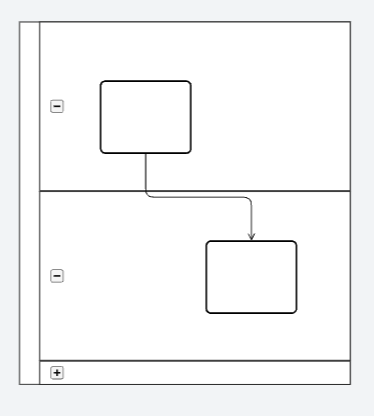
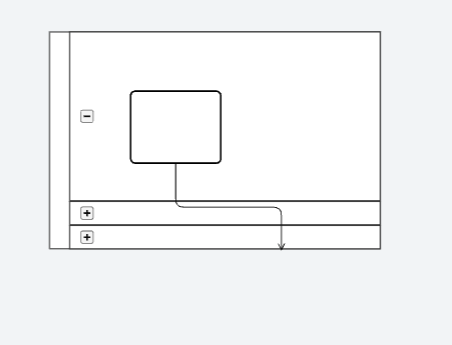
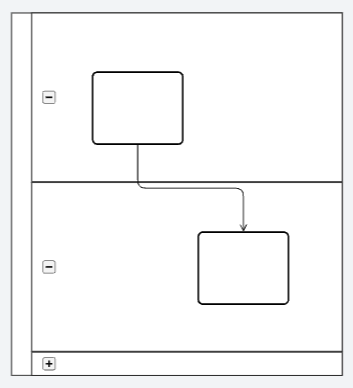
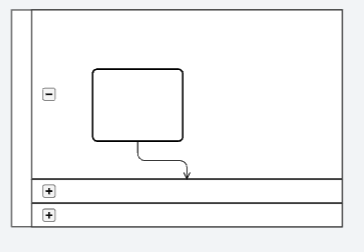
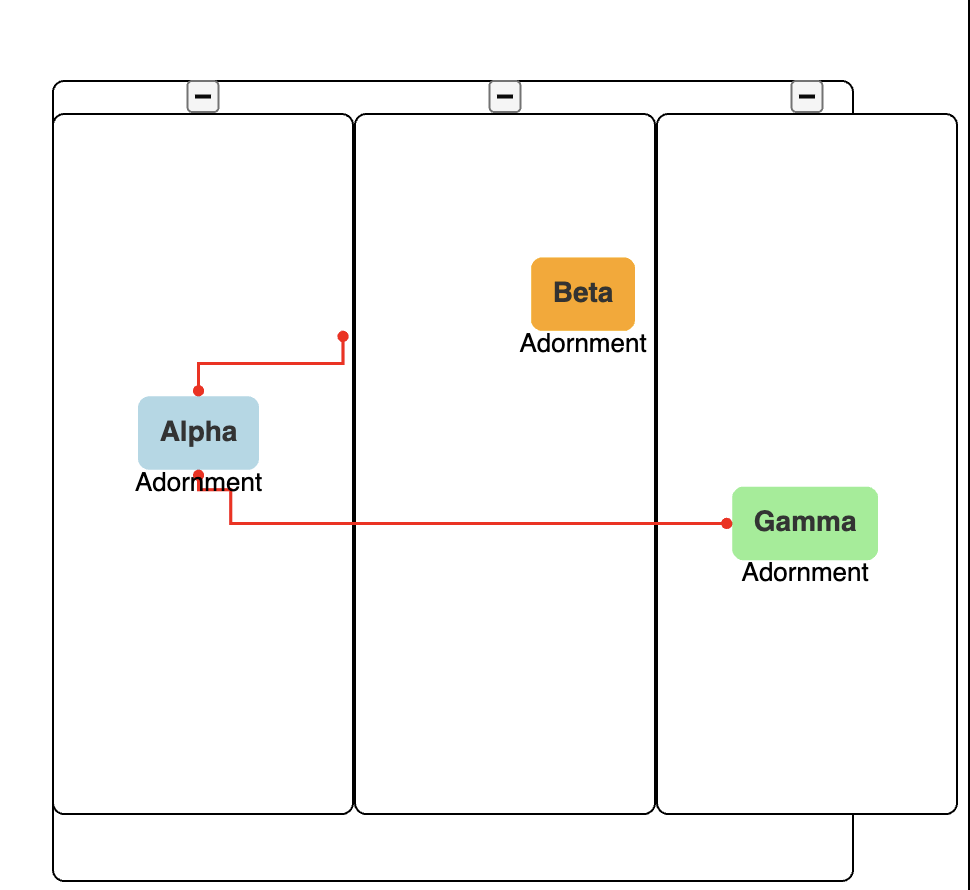
We’ve found a reproducible example. It’s a mix of node.fromPort/toPort === AllSides and link.adjusting === End. It is already broken when you open it.
<!DOCTYPE html>
<html lang="en">
  <body>
    <script src="https://cdn.jsdelivr.net/npm/[email protected]/release/go-debug.js"></script>
    <div id="sample" style="display: flex">
      <div
        id="diagramDiv"
        style="border: solid 1px black; width: 600px; height: 600px"
      ></div>
    </div>

    <script id="code">
      const diagram = new go.Diagram("diagramDiv", {
        "animationManager.isEnabled": false,
      });

      const nodeTemplate = new go.Node("Auto")
        .bindTwoWay("location", "location", go.Point.parse, go.Point.stringify)
        .bind("", "", (_, part) => {
          if (part.findAdornment("Adornment")) {
            return;
          }
          const adornment = makeAdornment();
          adornment.adornedObject = part;
          part.addAdornment("Adornment", adornment);
        })
        .add(
          new go.Shape("RoundedRectangle", {
            strokeWidth: 0,
            fill: "white",
            fromSpot: go.Spot.AllSides,
            toSpot: go.Spot.AllSides,
            portId: '',
          })
            .bind("fill", "color")
            .bind(
              new go.Binding("fromSpot", "fromSpot", go.Spot.parse).makeTwoWay(
                go.Spot.stringify
              )
            )
            .bind(
              new go.Binding("toSpot", "toSpot", go.Spot.parse).makeTwoWay(
                go.Spot.stringify
              )
            ),
          new go.TextBlock({
            margin: 8,
            font: "bold 14px sans-serif",
            stroke: "#333",
          }).bind("text")
        );

      const makeAdornment = () =>
        new go.Adornment("Spot")
          .bind("visible", "", (_, targetObj) => {
            const ad = targetObj.part;
            if (!(ad instanceof go.Adornment)) return true;
            const part = ad.adornedObject;
            if (!(part instanceof go.Part)) return true;
            return part.isVisible();
          })
          .add(
            new go.Panel("Vertical").add(
              new go.Placeholder(),
              new go.TextBlock({ text: "Adornment" })
            )
          );

      const poolTemplate = new go.Group("Auto", {
        layout: new go.GridLayout({
          alignment: go.GridAlignment.Position,
          comparer: (a, b) => a.position.x - b.position.x,
          spacing: new go.Size(0, 0),
          cellSize: new go.Size(0, 0),
          wrappingColumn: Infinity,
          wrappingWidth: Infinity,
          isRealtime: true,
        }),
      })
        .bindTwoWay("location", "location", go.Point.parse, go.Point.stringify)
        .add(
          new go.Shape("RoundedRectangle", {
            strokeWidth: 1,
            fill: "white",
            width: 400,
            height: 400,
          })
        );

      const laneTemplate = new go.Group("Vertical", {
        isSubGraphExpanded: true,
      })
        .bindTwoWay("location", "location", go.Point.parse, go.Point.stringify)
        .bindTwoWay("isSubGraphExpanded")
        .add(
          go.GraphObject.make("SubGraphExpanderButton", {
            click: (event, thisObj) => {
              thisObj.part.diagram.startTransaction("Toggle");
              if (thisObj.part.isSubGraphExpanded) {
                thisObj.part.collapseSubGraph();
              } else {
                thisObj.part.expandSubGraph();
                // for (const part of thisObj.part.memberParts) {
                //   part.updateTargetBindings();
                // }
              }
              thisObj.part.diagram.commitTransaction("Toggle");
            },
          }),
          new go.Shape("RoundedRectangle", {
            strokeWidth: 1,
            fill: "white",
            width: 150,
            height: 350,
          }).bindObject(
            "desiredSize",
            "isSubGraphExpanded",
            (isSubGraphExpanded) =>
              isSubGraphExpanded ? new go.Size(150, 350) : new go.Size(30, 350)
          )
        );

      const linkTemplate = new go.Link({
        reshapable: true,
        resegmentable: true,
        routing: go.Routing.Orthogonal,
        adjusting: go.LinkAdjusting.End
      })
        .bindTwoWay(
          "points",
          "points",
          (points) => points.map(go.Point.parse),
          (points) => {
            const result = points.map(go.Point.stringify).toArray();
            console.trace(result);
            return result;
          }
        )
        .add(new go.Shape({ strokeWidth: 1.5, stroke: "red" }))
        .add(
          new go.Shape({
            strokeWidth: 0,
            fill: "red",
            scale: 0.7,
            fromArrow: "circle",
          })
        )
        .add(
          new go.Shape({
            strokeWidth: 0,
            fill: "red",
            scale: 0.7,
            toArrow: "circle",
          })
        );

      diagram.nodeTemplate = nodeTemplate;
      diagram.groupTemplateMap.add("Pool", poolTemplate);
      diagram.groupTemplateMap.add("Lane", laneTemplate);
      diagram.linkTemplate = linkTemplate;

      const nodes = [
        {
          key: "P",
          isGroup: true,
          category: "Pool",
          location: "31.24609375 -0.3515625",
        },
        {
          key: "L1",
          group: "P",
          isGroup: true,
          category: "Lane",
          location: "31.24609375 -0.3515625",
          isSubGraphExpanded: true,
        },
        {
          key: "L2",
          group: "P",
          isGroup: true,
          category: "Lane",
          location: "62.24609375 -0.3515625",
          isSubGraphExpanded: true,
        },
        {
          key: "L3",
          group: "P",
          isGroup: true,
          category: "Lane",
          location: "62.24609375 -0.3515625",
          isSubGraphExpanded: true,
        },
        {
          key: "N1",
          group: "L1",
          text: "Alpha",
          color: "lightblue",
          location: "74.30859375 157.82421875",
        },
        {
          key: "N2",
          group: "L2",
          text: "Beta",
          color: "orange",
          location: "150.8359375 88.375",
        },
        {
          key: "N3",
          group: "L3",
          text: "Gamma",
          color: "lightgreen",
          location: "100.37538656080795 203.03515625",
        },
      ];

      const links = [
        {
          from: "N1",
          to: "N3",
        },
        {
          from: "N1",
          to: "N2",
        },
      ];

      diagram.model = new go.GraphLinksModel([], []);

      setTimeout(() => {
        diagram.model.addNodeDataCollection(nodes);
        diagram.model.addLinkDataCollection(links);
      });
    </script>
  </body>
</html>